User Directory
Returns a list of enterprise users, including metadata like user ID, login, and public name.
Sync Type: Full Synchronisation
Requirements
- Before you connect Monad to Box, you need access to a Box account, Business plan or higher. Note: Purchasing just a business plan (lowest tier) limits your ability on parameters you can use for the Box users input. Read the configuration section for more details.
- After purchasing an appropriate plan, you now need to obtain your Client ID, Client Secret, and Enterprise ID:
- Navigate to the Developer Console from your Box user dashboard (Requires Admin/Co-Admin Access to the enterprise)
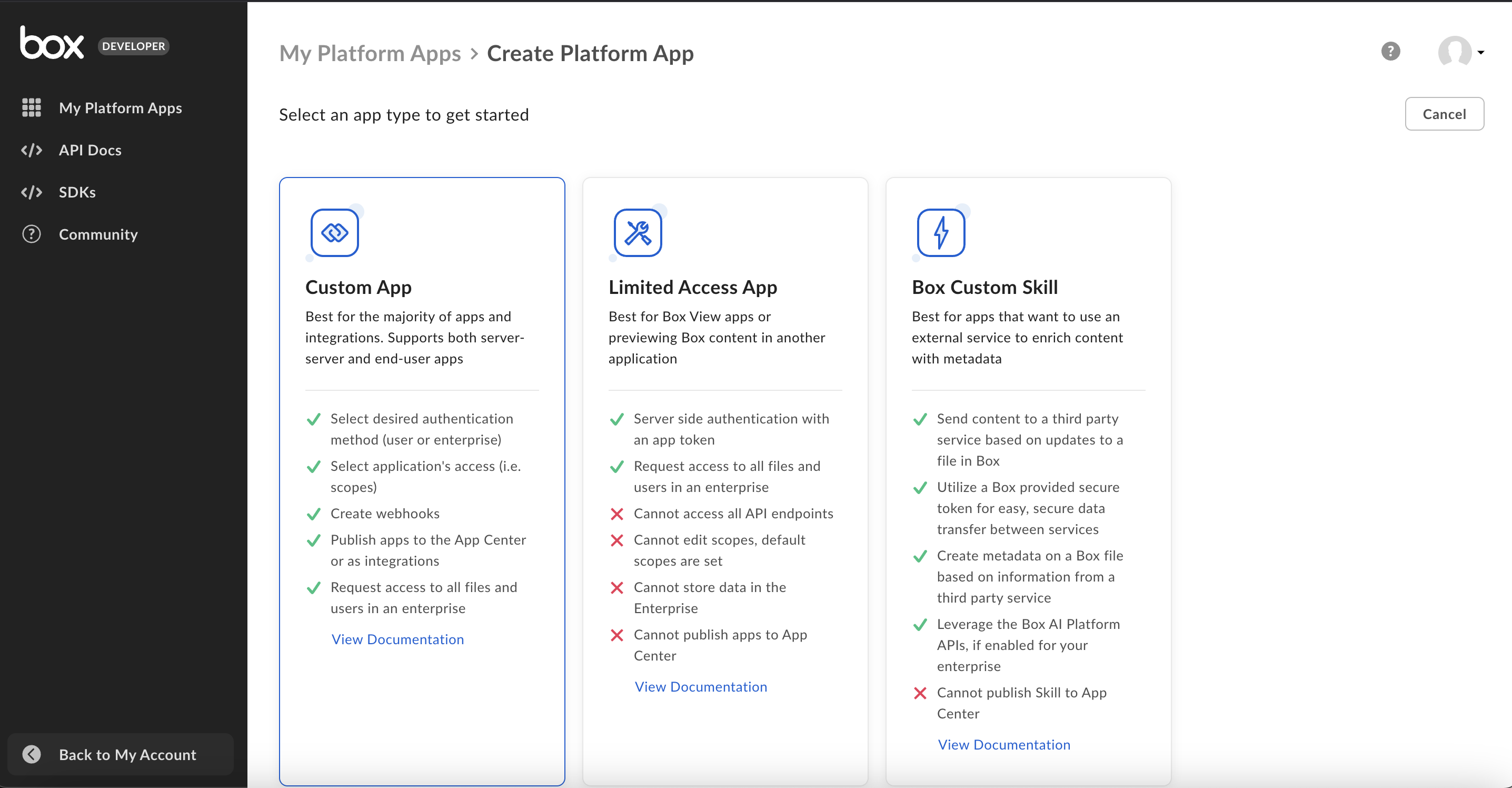
- Create a Platform app (Custom app) if you don't have one with appropriate fields filled out from the Developer dashboard, with client credentials as the authentication method.
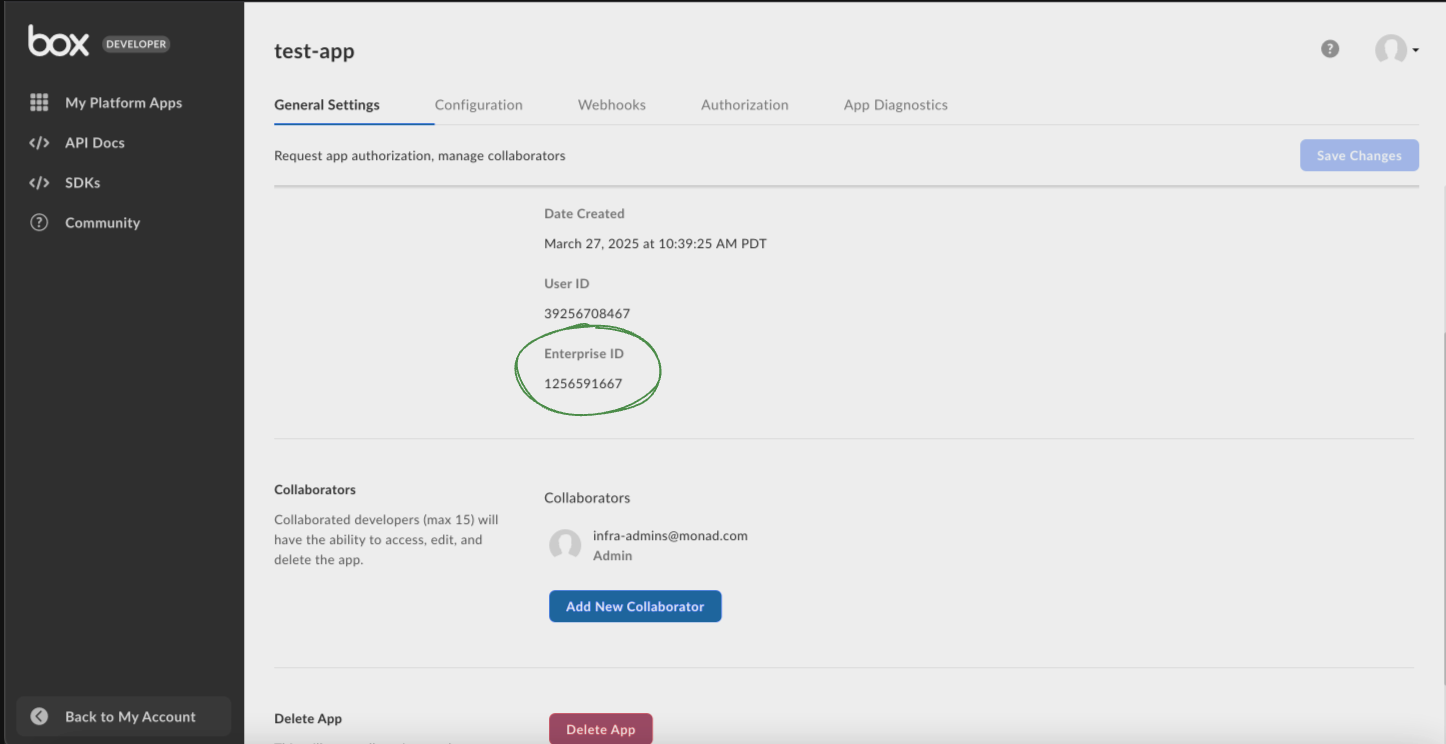
- Retrieve your Enterprise ID from the 'General settings' by choosing the right app from the developer dashboard in the 'My Platform Apps' section.
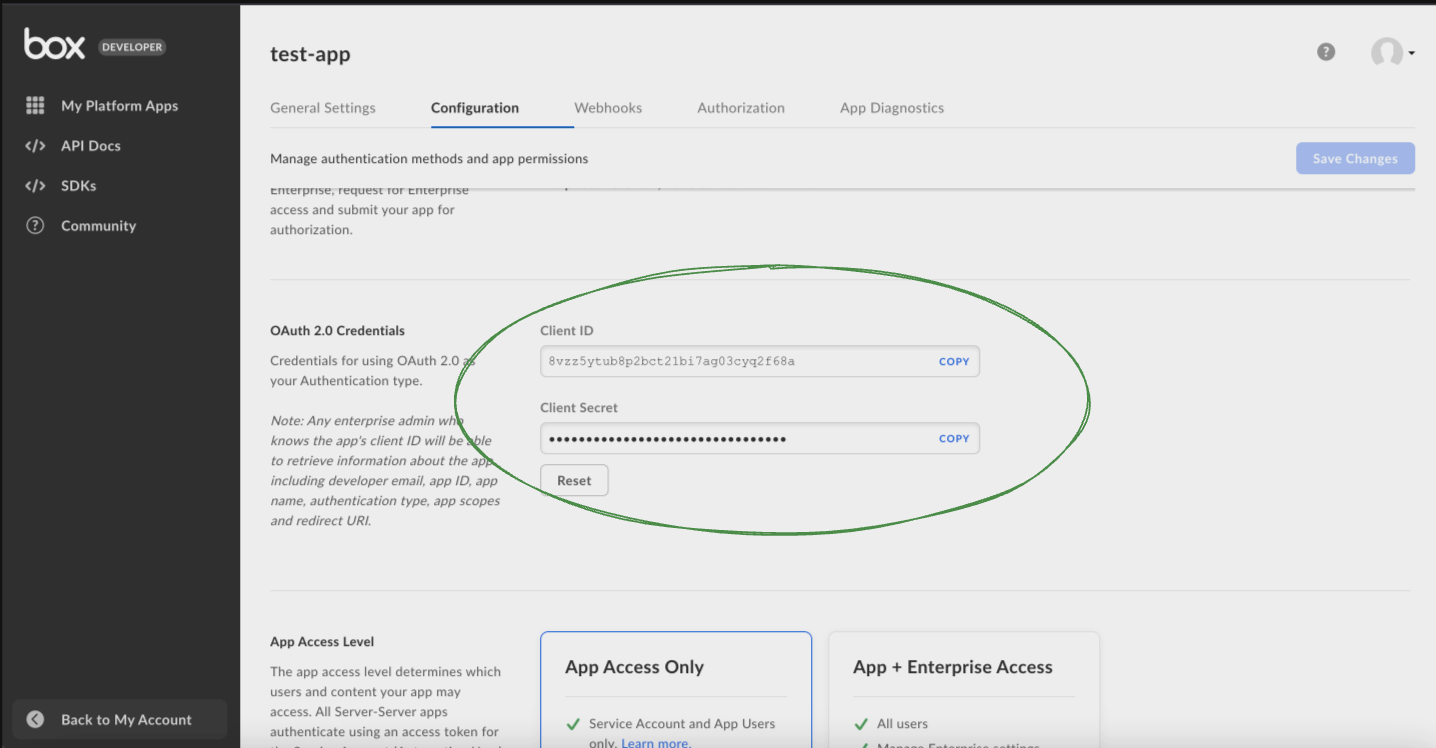
- Go to the 'Configuration' after choosing the right app from the developer dashboard in the 'My Platform Apps' section, and scroll down to 'OAuth 2.0 Credentials' section, and setup 2FA if required, after which obtain your Client ID and Client Secret to connect Box to Monad.
- Ensure that the app has "App + Enterprise Access" from the Configuration tab.
Details
Monad uses the cron field to run this input on specific intervals and returns all USERS, performing a full sync of data each time.
Configuration
The following configuration defines the input parameters. Each field's specifications, such as type, requirements, and descriptions, are detailed below.
Settings
| Setting | Type | Required | Description |
|---|---|---|---|
| Cron | string | Yes | Cron string for scheduling the ingest of your input. |
| User Type | string | No | Limits the results to the kind of user specified. 'All' returns every kind of user for whom the login or name partially matches the filter_term. 'Managed' returns all managed and app users for whom the login or name partially matches the filter_term. 'External' returns all external users for whom the login matches the filter_term exactly. |
| Filter Term | string | No | Limits the results to only users who's name or login start with the search term. |
Note: If you have a business plan (lowest tier in Box), you would not have access to retrieving 'External' and 'All' user type data, and the input would fetch '403: Unauthorized' responses from the API.
Secrets
| Secret | Type | Required | Description |
|---|---|---|---|
| Client ID | string | Yes | Client ID for the Box API. This is required to authenticate requests. |
| Client Secret | string | Yes | Client Secret for the Box API. This is required to authenticate requests. |
| Enterprise ID | string | Yes | Enterprise ID for the Box API. This is required to authenticate requests. |
Related Articles
- https://developer.box.com/reference/get-users/
- https://developer.box.com/reference/
- https://developer.box.com/reference/resources/access-token/
Sample Record
{
  "id": "19798106",
  "type": "user",
  "login": "Sarah Johnson@example.com",
  "name": "Sarah Smith",
  "address": "757 Market St, Palo Alto, CA 94903",
  "avatar_url": "https://www.box.com/api/avatar/large/762182466",
  "created_at": "2025-08-11T23:46:28.764979Z",
  "job_title": "Product Manager",
  "language": "es",
  "max_upload_size": 1095569720,
  "modified_at": "2025-08-11T23:46:28.765028Z",
  "notification_email": {
    "email": "updates@example.com",
    "is_confirmed": true
  },
  "phone": "2534263861",
  "space_amount": 11461775473,
  "space_used": 6932110561,
  "status": "active",
  "timezone": "America/Los_Angeles",
  "can_see_managed_users": false,
  "enterprise": {
    "id": "80580590",
    "name": "Acme Inc",
    "type": "enterprise"
  },
  "external_app_user_id": "user-f2262b4a-a20c-3839-e0e0-5145e72c28bf",
  "hostname": "https://business.box.com/",
  "is_exempt_from_device_limits": true,
  "is_exempt_from_login_verification": true,
  "is_external_collab_restricted": false,
  "is_platform_access_only": false,
  "is_sync_enabled": true,
  "my_tags": [
    "team"
  ],
  "role": "viewer",
  "tracking_codes": [
    {
      "name": "division",
      "type": "tracking_code",
      "value": "Engineering"
    }
  ]
}