

API Keys
Create and manage organization API keys to authenticate programmatic access to the Monad API.
Overview
API keys are org-scoped credentials that authenticate requests against the Monad API. Each key is bound to an organization role and inherits that role's permissions.
Two things to know before you create a key:
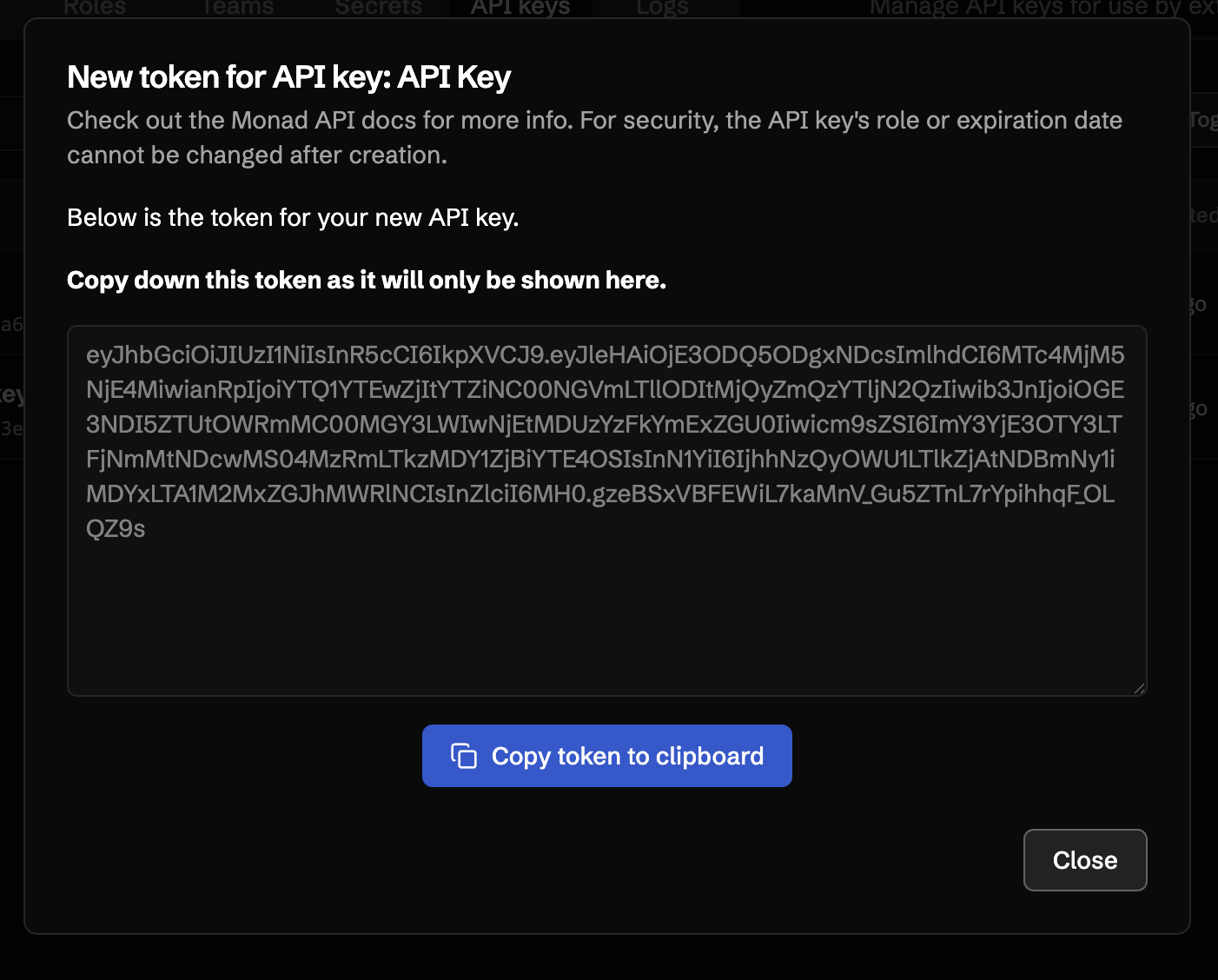
- The token is shown only once — at creation, and again whenever you regenerate it. Copy it immediately and store it in a secrets manager. There is no way to retrieve it later.
- Role and expiration are immutable — once created, you can rename a key or update its description, but the role and expiration date are fixed. To change either, create a new key.
Required Permissions
Managing API keys requires the following permissions on your organization role:
| Permission | Description |
|---|---|
apikey:read | View API keys |
apikey:write | Create, edit, and regenerate API keys |
apikey:delete | Delete API keys |
For details on assigning these permissions, see the Organization RBAC guide.
Creating an API Key
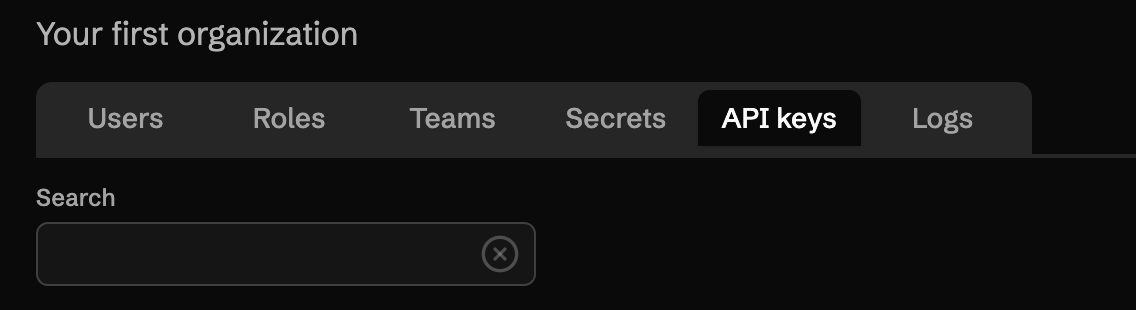
- Navigate to your organization and select the API Keys tab.
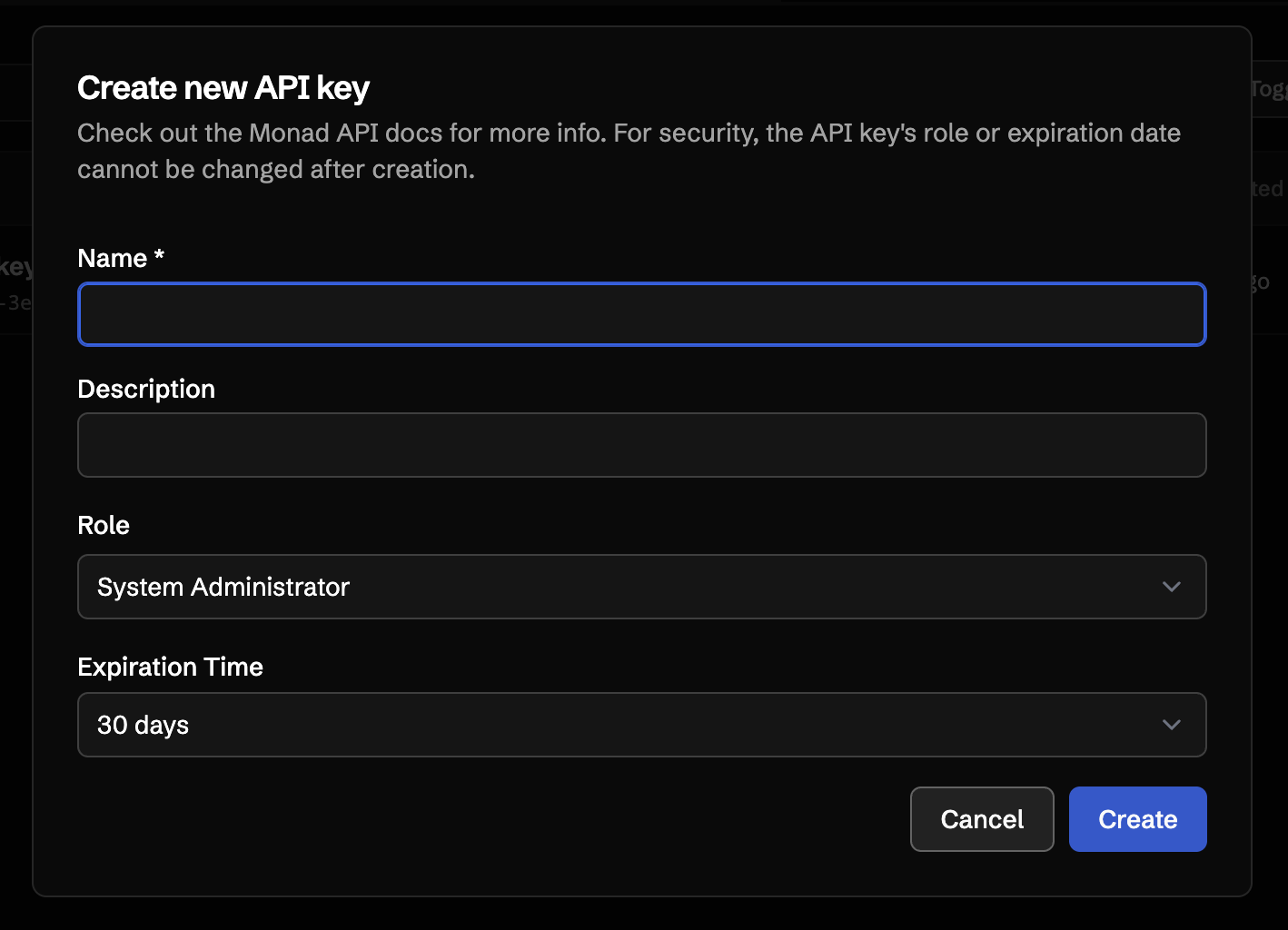
- Click Create new API key.
- Enter a Name and Description that identify how the key will be used.
- Select a Role. The key will inherit this role's permissions when calling the API.
- Select an Expiration Time. Available options are 7, 14, 30, 90, 180, or 365 days, or Never.
- Click Create.
After creation, the token is displayed once. Copy it now — once you close the dialog, the token cannot be retrieved.
Using an API Key
Pass the token in the x-api-key header on any Monad API request:
Code
See the API introduction for the full API reference, including base URL, error codes, and rate limits.
Editing an API Key
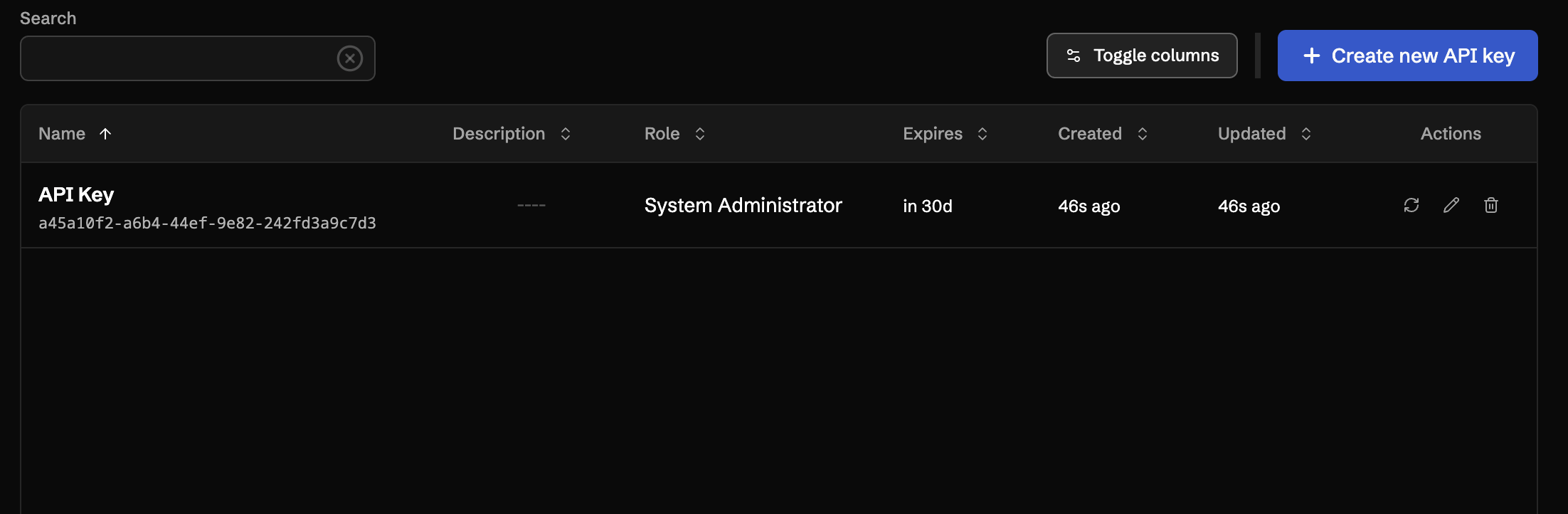
From the API Keys table, use the Edit row action to update the name and description of an existing key. The role and expiration date cannot be changed after creation — to change either, create a new key and delete the old one.
Regenerating a Token
If a token has been exposed, or you want to rotate it on a schedule, use the Regenerate row action. Regenerating immediately invalidates the previous token and issues a new one. The new token is displayed once, the same way as on creation — copy it before closing the dialog.
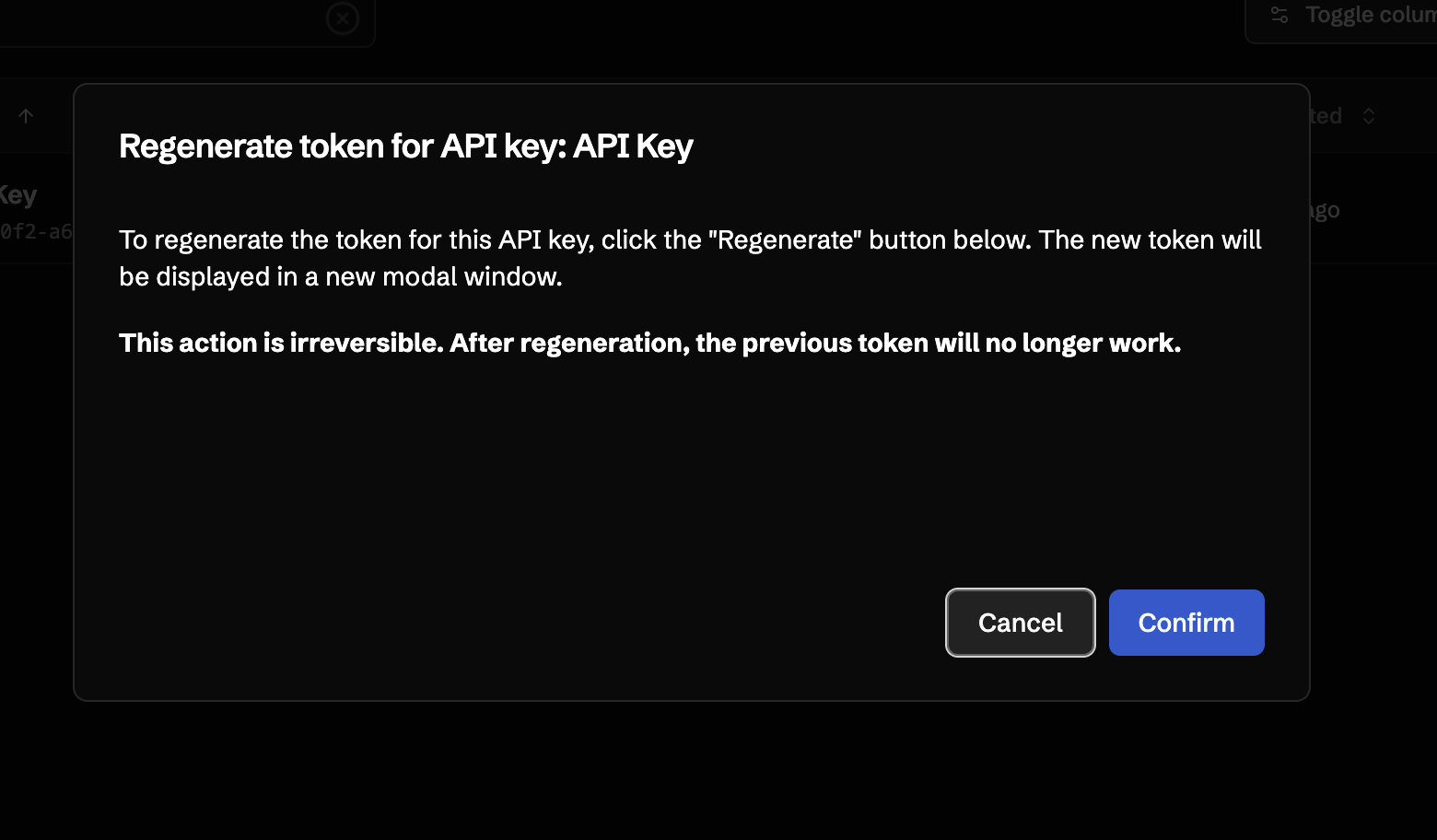
The key's name, description, role, and expiration are preserved across regeneration.
Deleting an API Key
Use the Delete row action to permanently remove an API key. Deletion takes effect immediately and any requests using the deleted token will be rejected.
Security Best Practices
- Store tokens in a secrets manager. Never commit tokens to source control or share them in chat.
- Grant the minimum role required. Prefer a custom role with only the permissions the integration needs over the System Administrator role.
- Use short expirations for keys issued to people, and rotate keys for automation by regenerating on a schedule.
- Delete keys you no longer use. Audit the API Keys tab periodically and remove anything orphaned.