

Semgrep
Projects
Ingests project logs from the Semgrep API to support pipeline-level analysis and context.
Sync Type: Full Synchronisation
Requirements
- Before you connect Monad to Semgrep, you need an API token. API tokens are scoped to include all code findings from a specific account in Semgrep.
- Please make sure that your account is on Semgrep Code Team tier to have access to the API endpoints.
- To generate a new Semgrep API key,
- Log in to Semgrep, and check to confirm which account you are using. If needed, switch to the account that you want to connect to Monad.
- Click Settings > Tokens > Create new token.
- In the dialog that appears, make sure that WebAPI is selected and Agent (CI) is deselected in the Token Scopes section.
- In the Description, enter something like Monad Connector token so that it's clear later what this token is for.
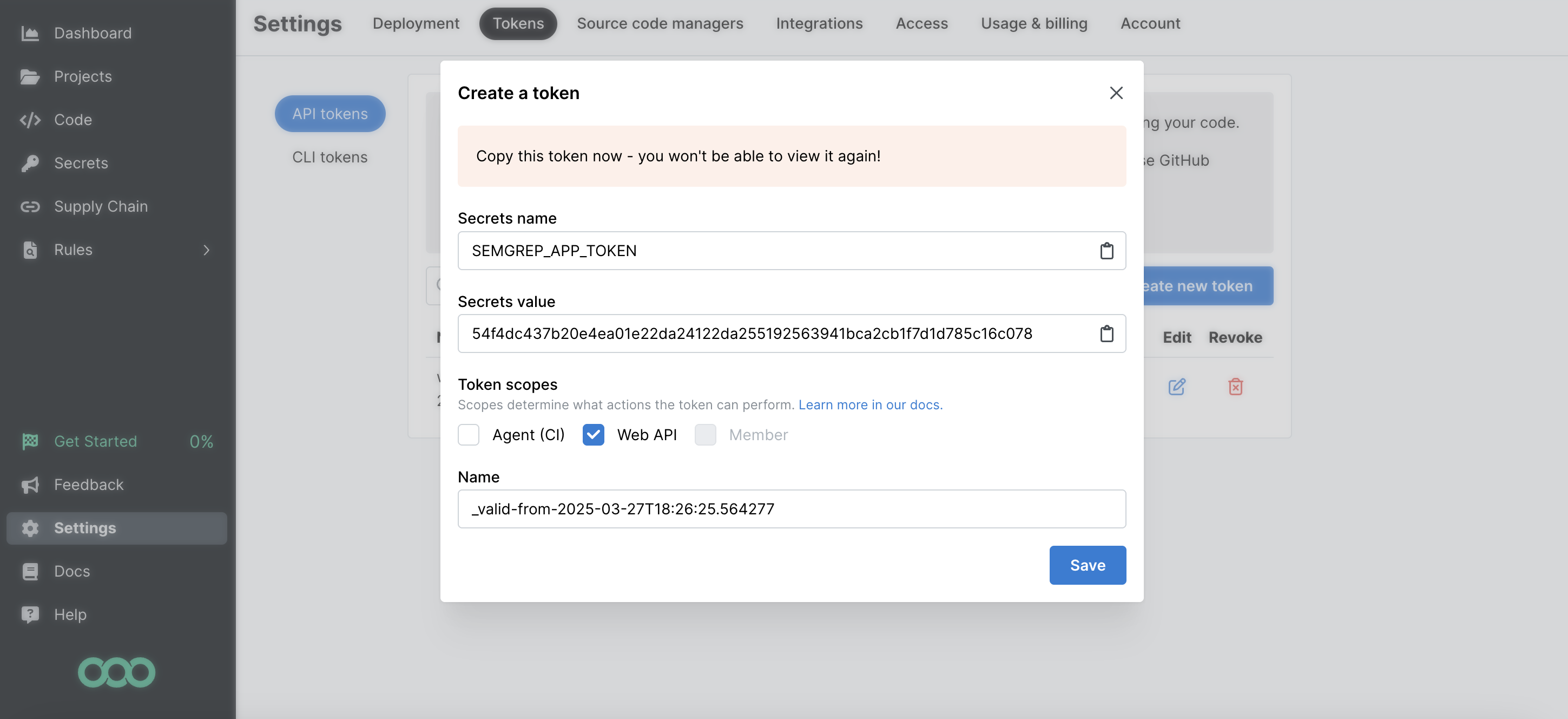
- Copy the Secrets Value (the token value) to a secure place so you can use it to set up the connector. Once you close this dialog, you cannot view the token value again.
Details
Monad uses the cron field to run this input on specific intervals and returns all projects, performing a full sync of data each time.
Configuration
The following configuration defines the input parameters. Each field's specifications, such as type, requirements, and descriptions, are detailed below.
Settings
| Setting | Type | Required | Description |
|---|---|---|---|
| Cron | string | Yes | Cron string for scheduling tasks. Ex: '0 0 * * *' for daily execution at midnight. |
Secrets
| Secret | Type | Required | Description |
|---|---|---|---|
| API Key | string | Yes | API Key for the Semgrep API. This is required to authenticate requests. |
Sample Record
Code
Sync frequency
This input runs on a cron schedule (default hourly, 0 * * * *), which you can configure on the pipeline. See Input Sync Frequency for details.
Last modified on