

Elasticsearch
Sends processed data to an Elasticsearch cluster. Supports indexing of security events for search and analysis.
Requirements
To use the Elasticsearch output connector, Monad allows you to connect via one of 4 methods:
- URL Connection with Password: Requires Elasticsearch URL, username, password, and index name.
- URL Connection with API Key: Requires Elasticsearch URL, API key, and index name.
- Cloud ID Connection with Password: Requires Elastic Cloud ID, username, password, and index name.
- Cloud ID Connection with API Key: Requires Elastic Cloud ID, API key, and index name.
Obtaining Elasticsearch Credentials
Login into your Elastic Cloud Instance — https://cloud.elastic.co/home, and below are screens in Elastic Cloud where you can find the appropriate credentials.
- Finding Your Elasticsearch URL

- Generating an API Key
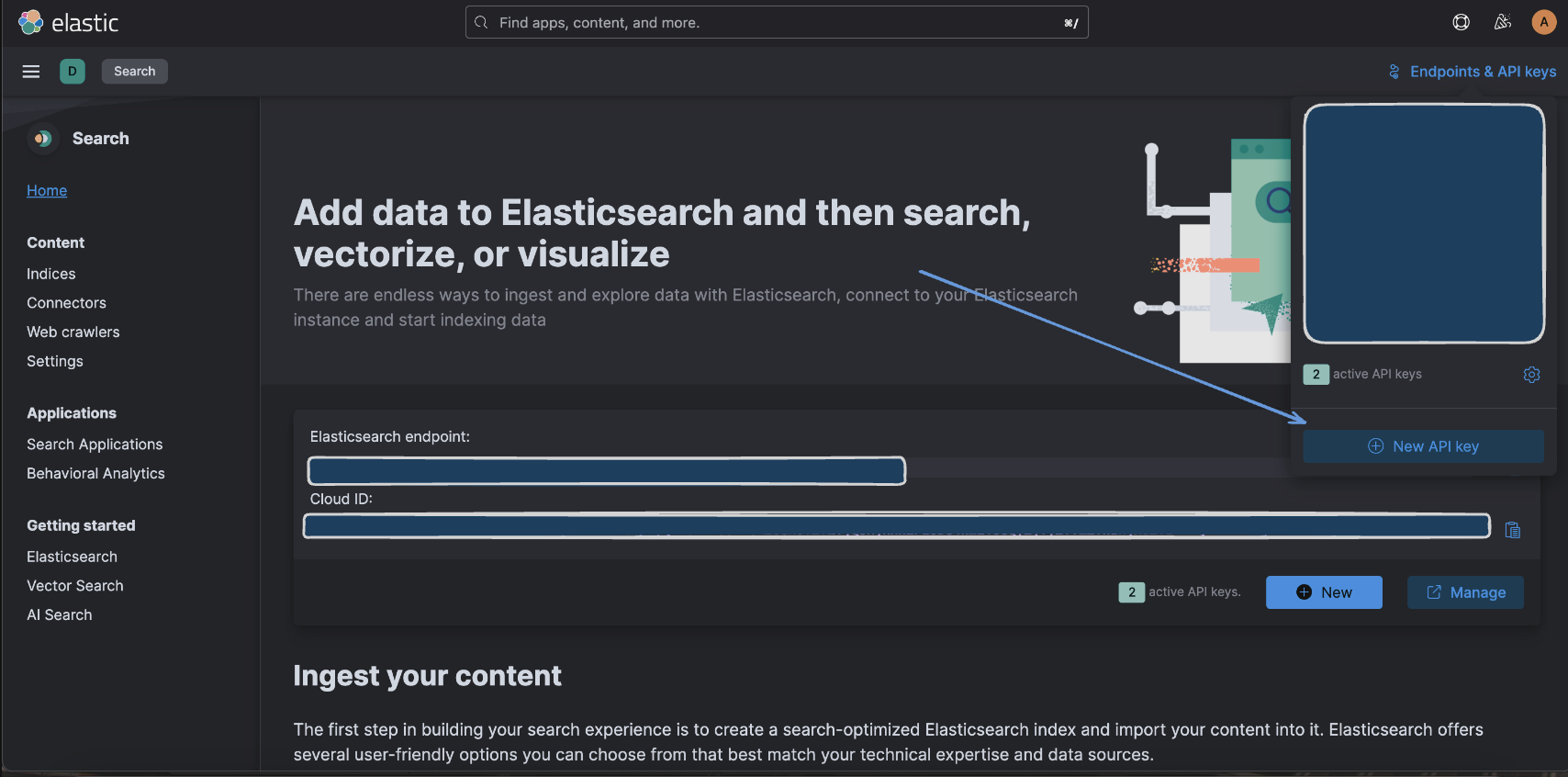
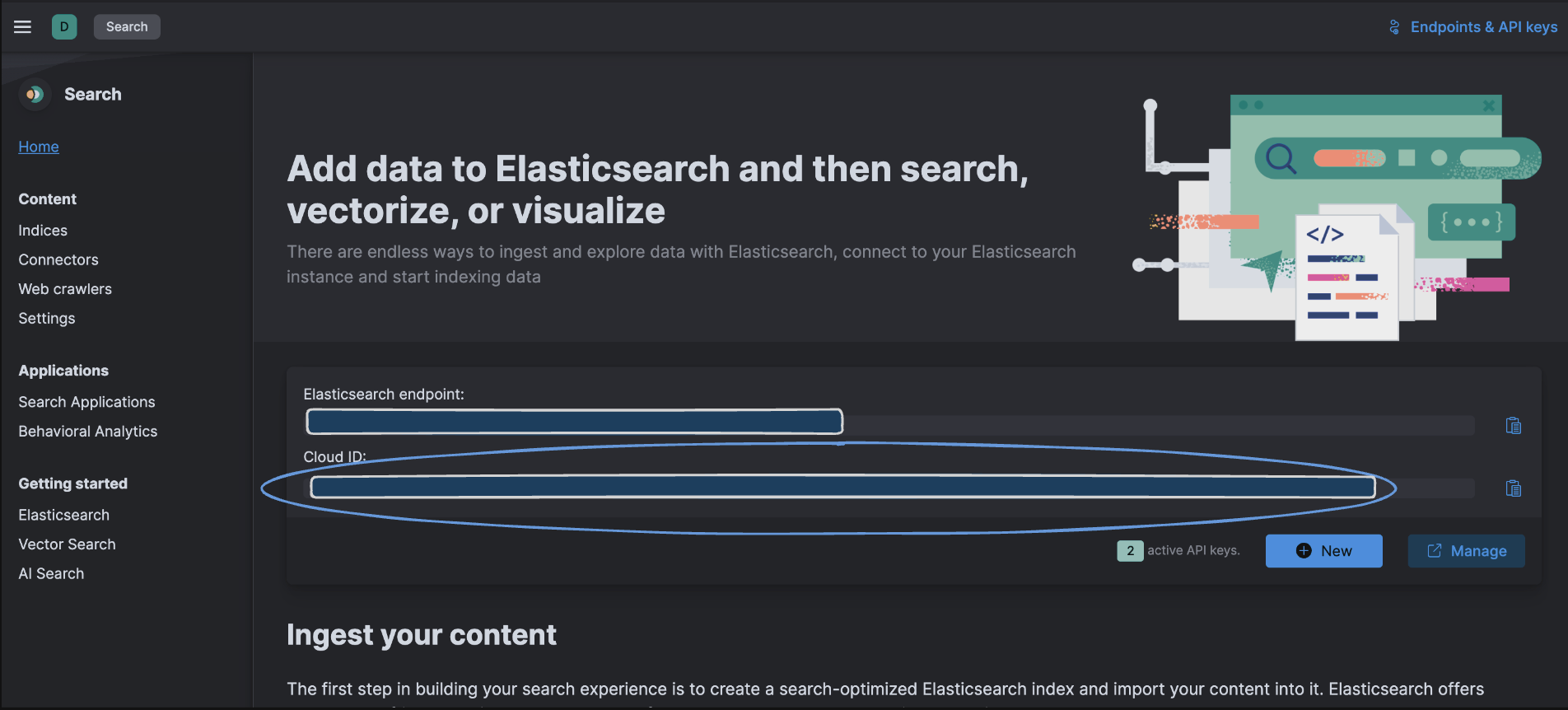
- Locating Your Cloud ID
- Setting Up Username and Password
- Creating an Index
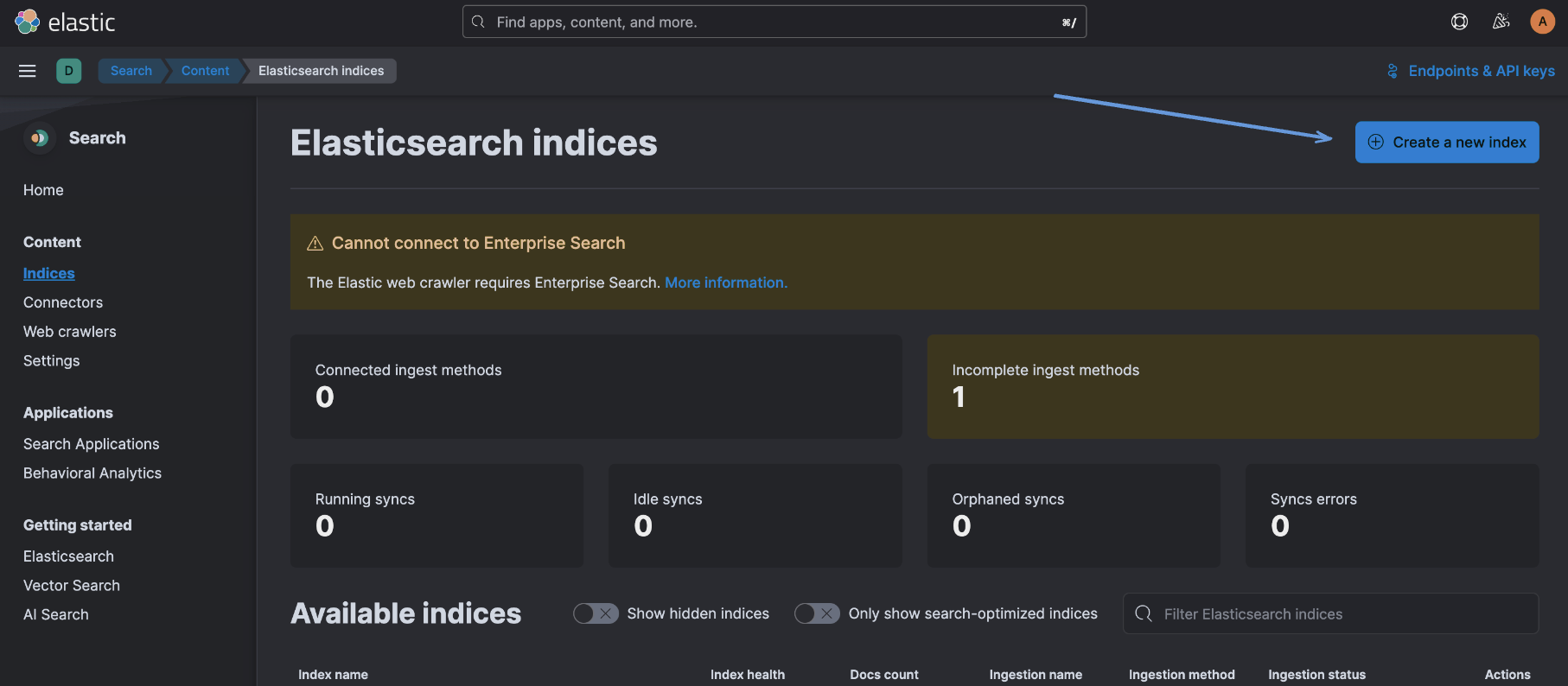
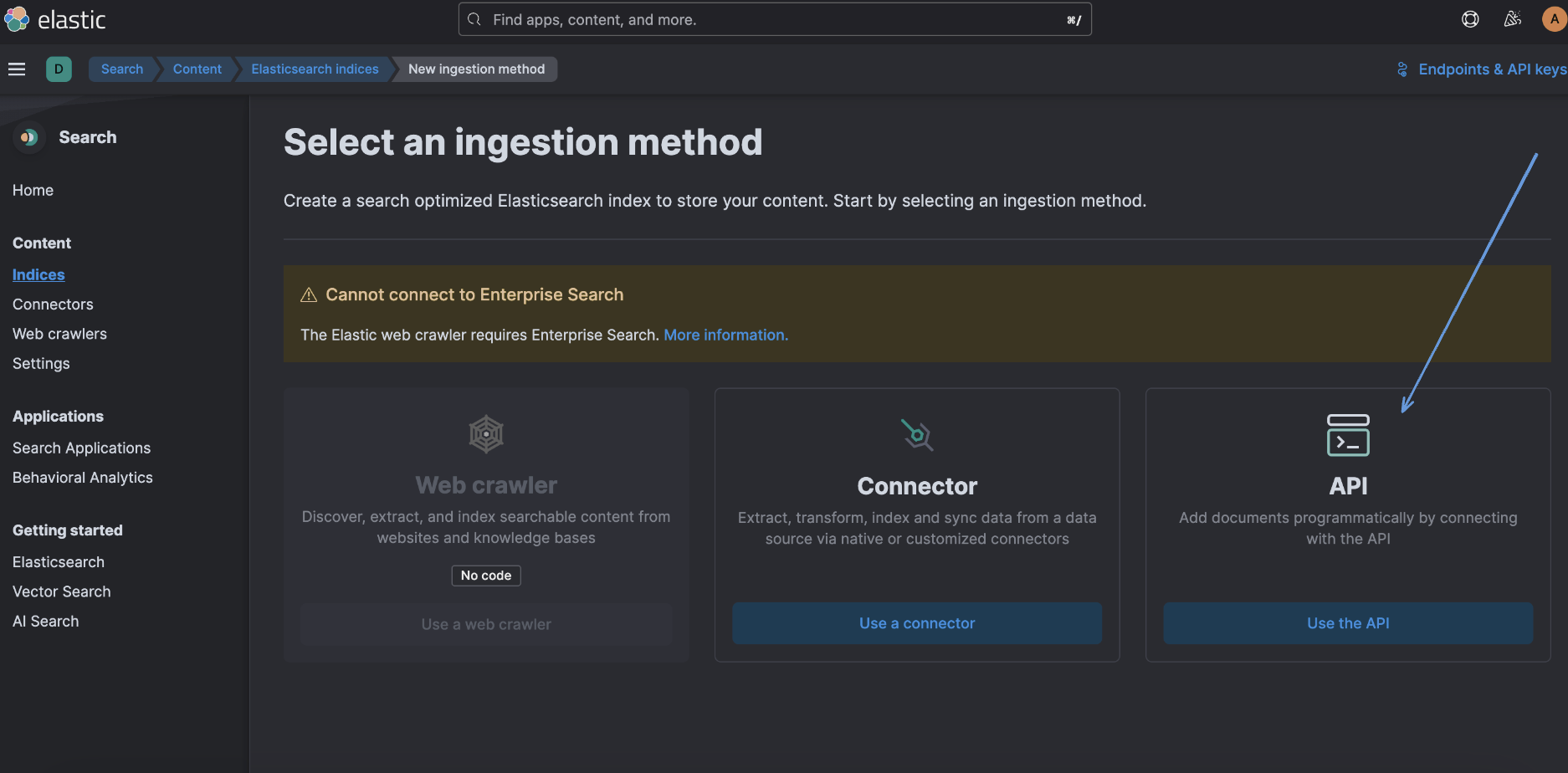
Example index settings:
Code
Details
The Elasticsearch output connector continuously sends processed data to your specified Elasticsearch index. The functionality includes the following key features:
-
Batch Processing: Data is processed and sent to Elasticsearch in batches to ensure efficient handling of large volumes of data. The batch size can be configured according to your requirements.
-
Bulk Indexing: Records are indexed in bulk using Elasticsearch's bulk indexing API. This optimizes performance and reduces the overhead of individual indexing operations, especially in high-throughput scenarios.
-
Dynamic Index Creation: If the specified index does not exist, the connector will automatically create it using predefined settings. This ensures that your data is always indexed correctly without manual intervention. If the index name matches a data stream index template, Elasticsearch creates a data stream instead, which this output can't write to. See Data streams are not supported.
-
Error Handling: The connector includes mechanisms to handle errors gracefully, such as logging issues and retrying failed operations. This helps maintain data integrity and reliability.
-
Monitoring and Metrics: The connector provides metrics to monitor the data flow and performance. Metrics such as records in flight, batch processing times, and indexing success rates are available for monitoring.
-
Configuration Flexibility: The connector offers flexible configuration options to customize the indexing process. You can define the index name, batch size, number of workers, flush bytes, and flush interval to suit your specific use case.
-
Cluster Health Monitoring: During initialization, the connector checks the health of the Elasticsearch cluster to ensure it is ready to receive data. This helps in identifying and resolving cluster-related issues early.
Example data format:
If your data is in JSON format, it will be stored in the specified index with each record represented as a separate document. Below is an example of how a record might be structured:
Code
Configuration
The following configuration defines the input parameters. Each field's specifications, such as type, requirements, and descriptions, are detailed below.
Settings
| Setting | Type | Required | Description |
|---|---|---|---|
| Username | string | Yes | The username for authenticating with Elasticsearch. |
| Elasticsearch URL | string | Yes | The URL of the Elasticsearch cluster. Required when connection type is set to 'url'. |
| Insecure Skip Verify | boolean | No | If set to true, it skips verification of the server's TLS certificate. This is insecure and should only be used for testing purposes. |
| Index Name | string | Yes | The name of the Elasticsearch index to write data to. If the index doesn't exist, it will be created automatically. Supports date templating (e.g. index-test-{yyyy}-{mm}-{dd}). Tokens are resolved against the current UTC time at write time. Supported tokens: {yyyy}, {yy}, {mm}, {dd}, {hh}, {mi}, {ss}. Must not be a data stream, or a name that matches a data stream index template such as logs-*-*. See Data streams are not supported. |
| Authentication Type | string | Yes | The method of authentication to use with the Elasticsearch cluster. Choose between 'api_key' or 'password'. |
| Connection Type | string | Yes | The type of connection to use with Elasticsearch. Choose between 'cloud_id' for Elastic Cloud or 'url' for direct connection. |
| Cloud ID | string | Yes | The Cloud ID for connecting to an Elastic Cloud deployment. Required when connection_type is set to 'cloud_id'. |
Secrets
| Secret | Type | Required | Description |
|---|---|---|---|
| Password | string | Yes | The password for authenticating with ElasticSearch. |
| API Key | string | Yes | API key for authenticating with the Elasticsearch cluster. Required when auth type is set to 'api_key'. |
Troubleshooting
Data streams are not supported
The Elasticsearch output writes to a regular index.
It can't write to an Elasticsearch data stream, because data streams only accept bulk requests with an op_type of create.
If the Index Name is an existing data stream, every record is rejected, and both Test Connection and the pipeline logs show this error:
Code
The same happens when the index doesn't exist yet but its name matches an index template that creates data streams.
Elasticsearch has built-in templates of this kind for several index patterns, including logs-*-*, metrics-*-*, and synthetics-*-*, so a name like logs-myapp-default becomes a data stream automatically.
See Templates in the Elastic documentation for the full list.
To resolve it, do one of the following:
- Change the Index Name to a name that isn't a data stream and doesn't match a data stream index template, for example
monad-eventsormonad-events-{yyyy}-{mm}-{dd}. Then save the output, and disable and re-enable the pipeline so the change takes effect. - If you must use that exact name, delete the data stream in Elasticsearch, and create an index template for the name, without a
data_streamsection and with a priority higher than the built-in template's. The next write then creates a regular index.