# API Keys
Create and manage organization API keys to authenticate programmatic access to the Monad API.
## Overview
API keys are org-scoped credentials that authenticate requests against the [Monad API](/api/introduction). Each key is bound to an organization role and inherits that role's permissions.
Two things to know before you create a key:
- **The token is shown only once** — at creation, and again whenever you regenerate it. Copy it immediately and store it in a secrets manager. There is no way to retrieve it later.
- **Role and expiration are immutable** — once created, you can rename a key or update its description, but the role and expiration date are fixed. To change either, create a new key.
### Required Permissions
Managing API keys requires the following permissions on your organization role:
| Permission | Description |
|---|---|
| `apikey:read` | View API keys |
| `apikey:write` | Create, edit, and regenerate API keys |
| `apikey:delete` | Delete API keys |
For details on assigning these permissions, see the [Organization RBAC guide](/guides/organization-rbac).
## Creating an API Key
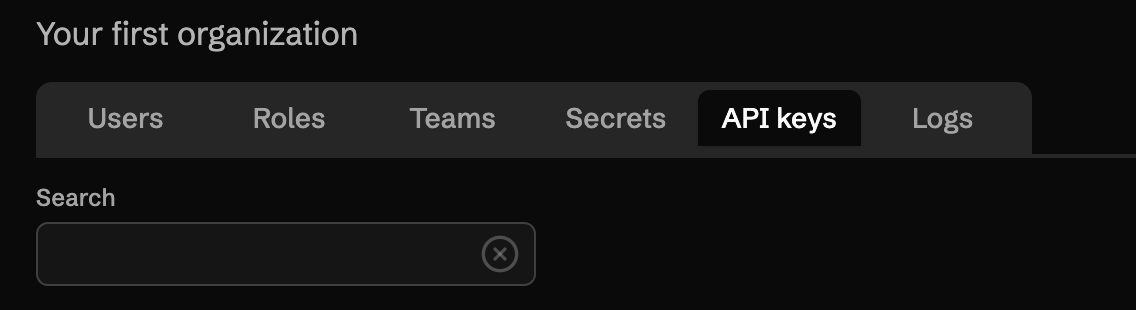 1. Navigate to your organization and select the **API Keys** tab.
2. Click **Create new API key**.
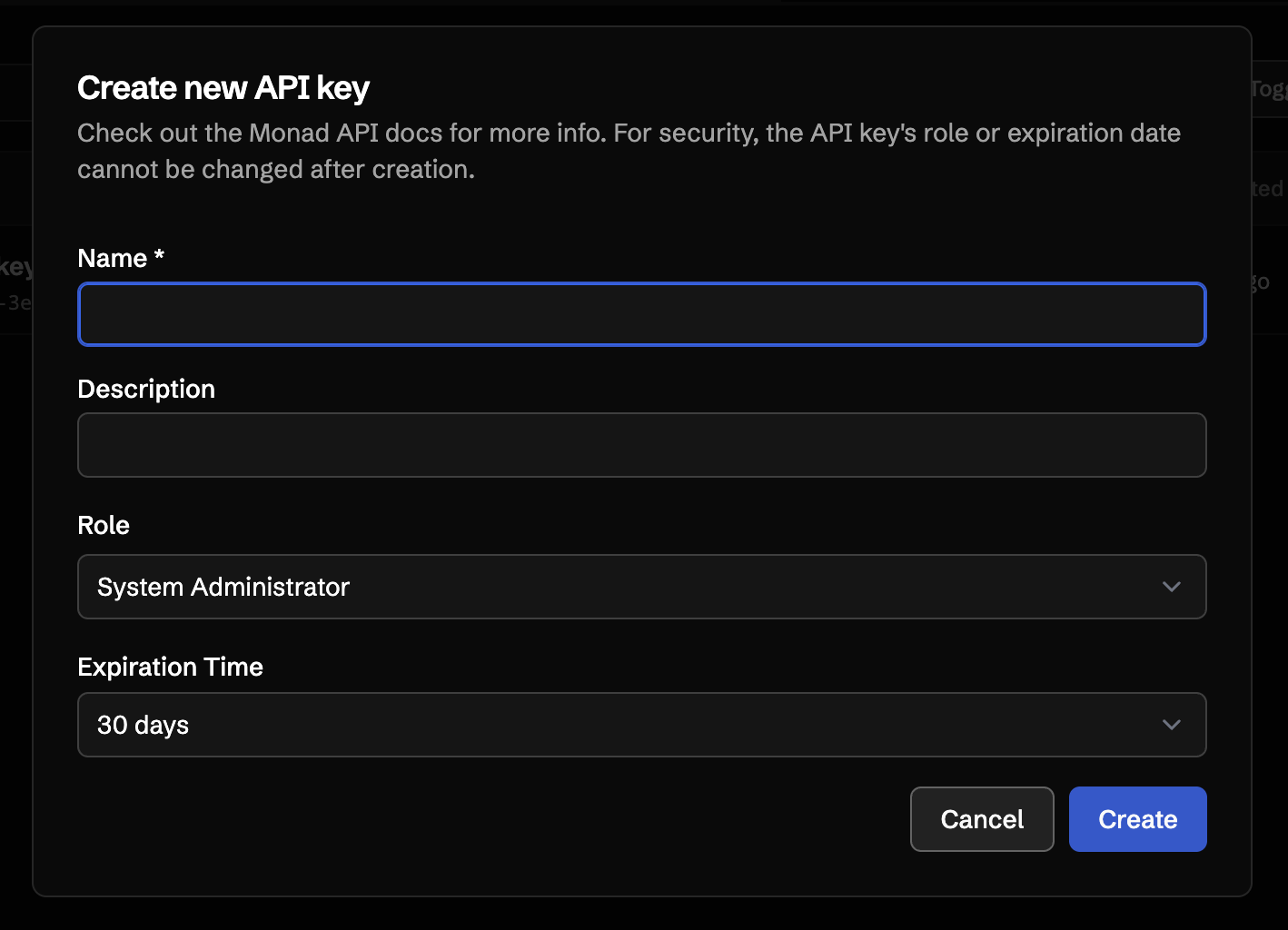
3. Enter a **Name** and **Description** that identify how the key will be used.
4. Select a **Role**. The key will inherit this role's permissions when calling the API.
5. Select an **Expiration Time**. Available options are 7, 14, 30, 90, 180, or 365 days, or **Never**.
6. Click **Create**.
1. Navigate to your organization and select the **API Keys** tab.
2. Click **Create new API key**.
3. Enter a **Name** and **Description** that identify how the key will be used.
4. Select a **Role**. The key will inherit this role's permissions when calling the API.
5. Select an **Expiration Time**. Available options are 7, 14, 30, 90, 180, or 365 days, or **Never**.
6. Click **Create**.
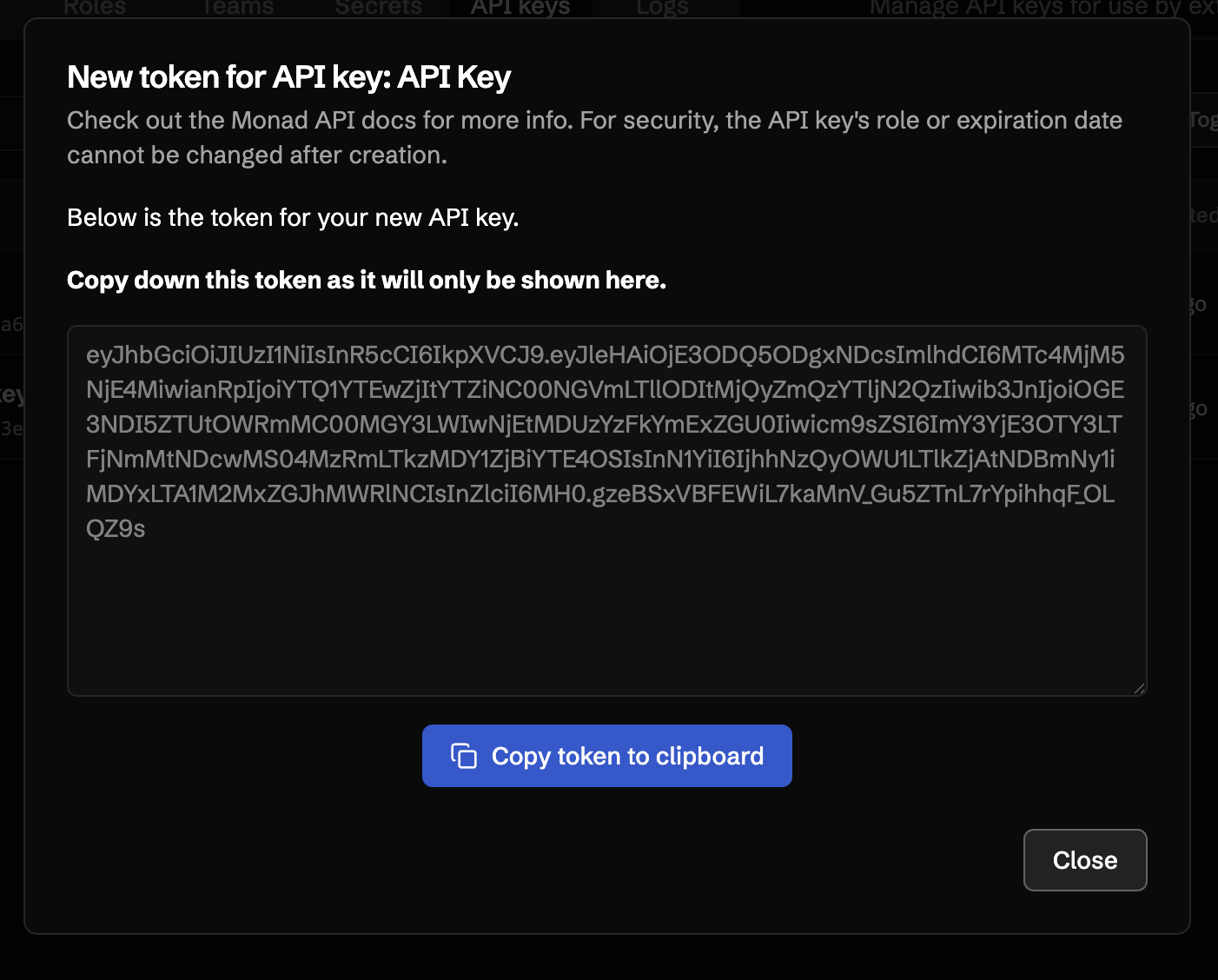
 After creation, the token is displayed once. **Copy it now** — once you close the dialog, the token cannot be retrieved.
 ## Using an API Key
Pass the token in the `x-api-key` header on any Monad API request:
```bash
curl -H "x-api-key: YOUR_API_KEY" \
https://app.monad.com/api/v2/organizations/{org_id}/pipelines
```
See the [API introduction](/api/introduction) for the full API reference, including base URL, error codes, and rate limits.
## Editing an API Key
From the API Keys table, use the **Edit** row action to update the name and description of an existing key. The role and expiration date cannot be changed after creation — to change either, create a new key and delete the old one.
## Using an API Key
Pass the token in the `x-api-key` header on any Monad API request:
```bash
curl -H "x-api-key: YOUR_API_KEY" \
https://app.monad.com/api/v2/organizations/{org_id}/pipelines
```
See the [API introduction](/api/introduction) for the full API reference, including base URL, error codes, and rate limits.
## Editing an API Key
From the API Keys table, use the **Edit** row action to update the name and description of an existing key. The role and expiration date cannot be changed after creation — to change either, create a new key and delete the old one.
 ## Regenerating a Token
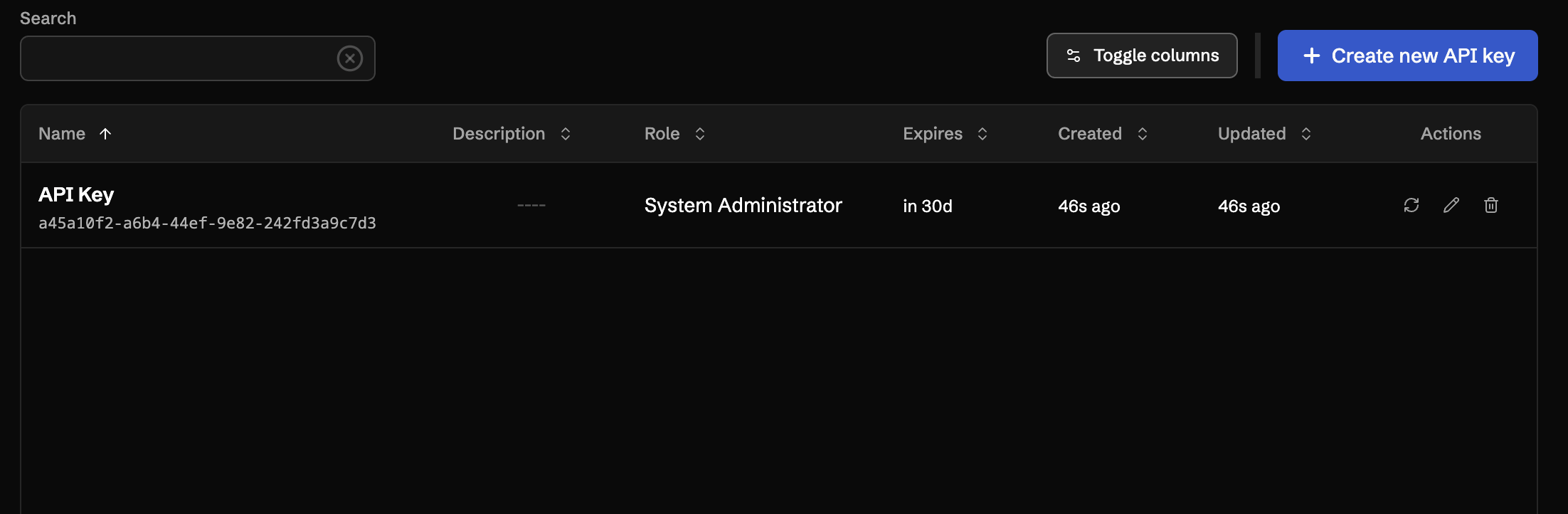
If a token has been exposed, or you want to rotate it on a schedule, use the **Regenerate** row action. Regenerating immediately invalidates the previous token and issues a new one. The new token is displayed once, the same way as on creation — copy it before closing the dialog.
## Regenerating a Token
If a token has been exposed, or you want to rotate it on a schedule, use the **Regenerate** row action. Regenerating immediately invalidates the previous token and issues a new one. The new token is displayed once, the same way as on creation — copy it before closing the dialog.
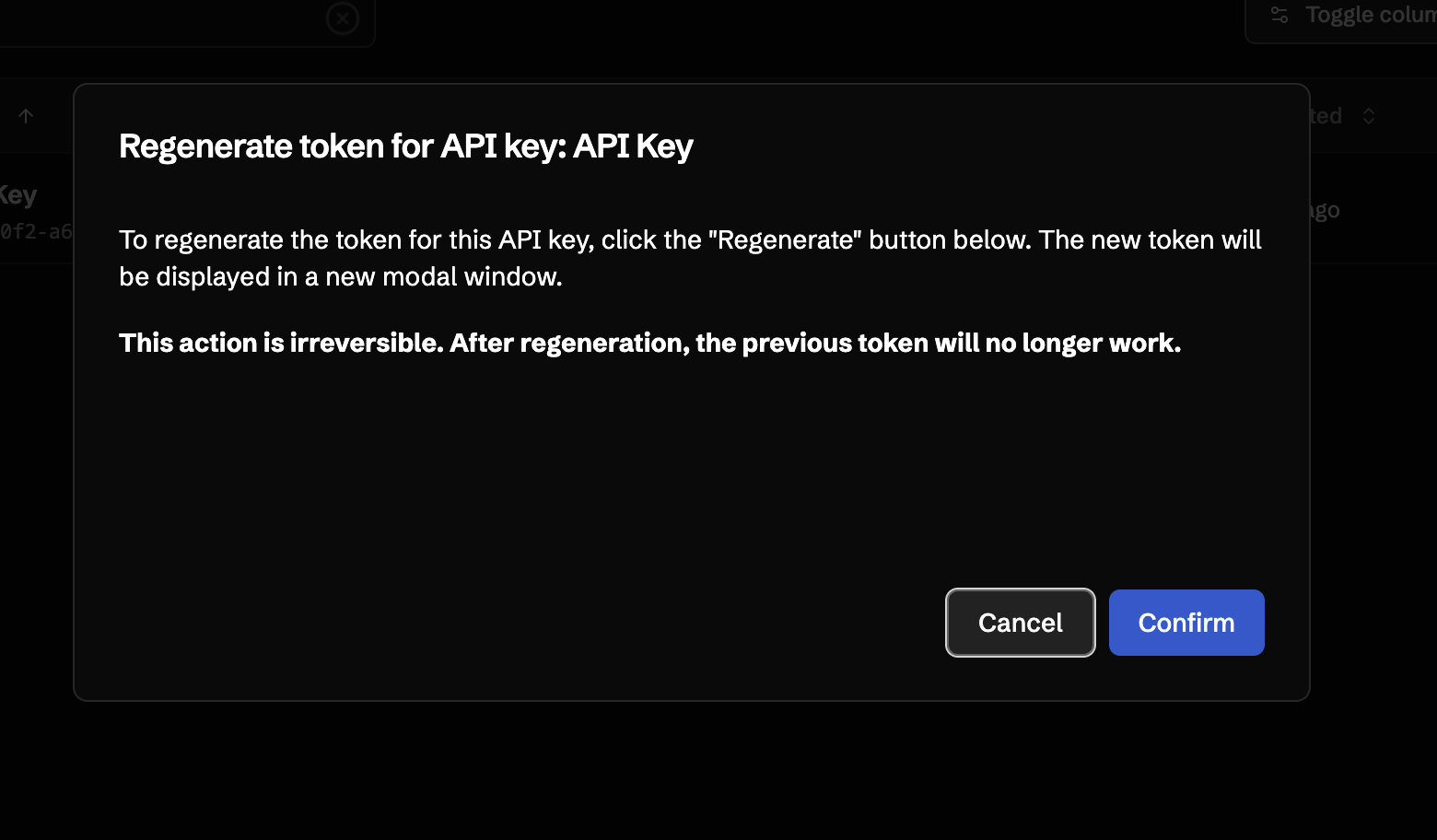 The key's name, description, role, and expiration are preserved across regeneration.
## Deleting an API Key
Use the **Delete** row action to permanently remove an API key. Deletion takes effect immediately and any requests using the deleted token will be rejected.
## Security Best Practices
- **Store tokens in a secrets manager.** Never commit tokens to source control or share them in chat.
- **Grant the minimum role required.** Prefer a custom role with only the permissions the integration needs over the Admin role.
- **Use short expirations** for keys issued to people, and rotate keys for automation by regenerating on a schedule.
- **Delete keys you no longer use.** Audit the API Keys tab periodically and remove anything orphaned.
The key's name, description, role, and expiration are preserved across regeneration.
## Deleting an API Key
Use the **Delete** row action to permanently remove an API key. Deletion takes effect immediately and any requests using the deleted token will be rejected.
## Security Best Practices
- **Store tokens in a secrets manager.** Never commit tokens to source control or share them in chat.
- **Grant the minimum role required.** Prefer a custom role with only the permissions the integration needs over the Admin role.
- **Use short expirations** for keys issued to people, and rotate keys for automation by regenerating on a schedule.
- **Delete keys you no longer use.** Audit the API Keys tab periodically and remove anything orphaned.